Turn prompts into
assets.
Do you write your AI prompts from scratch every single time?
Method is an iOS and macOS app that makes saving, organizing, and sharing your prompts effortless.
Get more out of generative AI
If any of these sound familiar, Method may be able to support the way you work with AI.
I always write similar prompts from scratch
I'm always digging through my chat history to find a prompt
There are so many similar prompts in my history that I can't tell which one actually worked
I keep prompts in a notes app, but it quickly becomes a mess to manage
I keep giving the AI the same background explanation over and over
I've tried to reuse an old prompt and lost track of which parts I needed to rewrite
When I sit down to write a prompt, I don't know where to start
Method is a prompt manager built to solve
the everyday frustrations of working with AI.
Three things Method does.
Organize
Manage
Stop hunting for prompts
Chat history, notes apps, your own memory. Prompts that were scattered everywhere come together in one place, sorted by folder and tag. No more "wait, where was that?"
Build
Design
Focus on what actually needs thought
Turn just the changing parts of a prompt into a form, and from then on you only fill in the blanks. No more time spent working out what to think about — you can put that energy into making the prompt sharper.
Stock
Accumulate
The more you use it, the better your prompts get
"This phrasing works." Add discoveries like that to your form options, and next time they help you build a sharper prompt, faster.
See how Method feels.
Below is a simulator that reproduces part of Method's prompt design feature.
Download the Method app and you can build formats like this one however you like.
Sample outputA sample photo generated with the default options.
The finished prompt assembles itself in real time as you fill in the form.
* This simulator is a web recreation for demo purposes and differs from the actual app.
A full set of features for every way you use AI
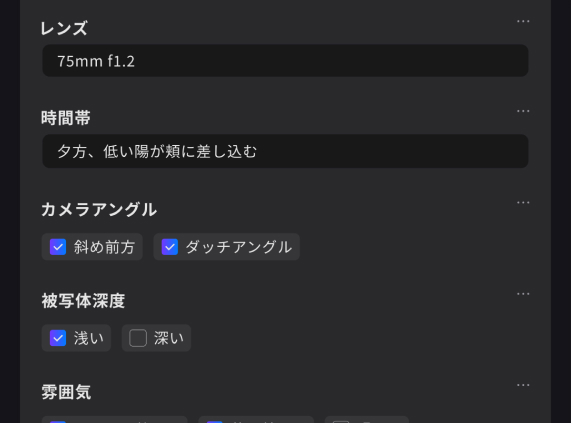
01
Variables
Fill in only the parts that change. The skeleton of the prompt stays put, so you focus on what matters.
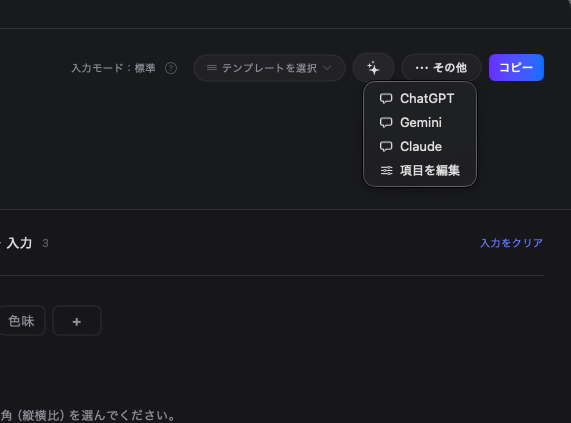
02
Launch AI tools in one tap
Jump straight to ChatGPT or Claude from the screen you copied on. Zero app switching.
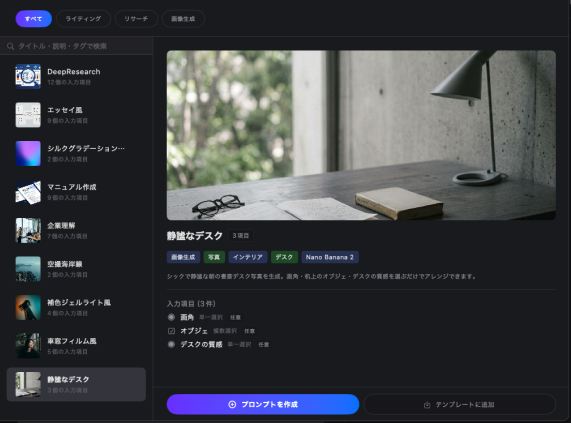
03
Templates
Save the prompt formats you use most. Swap the topic or the length and reuse them as often as you like.
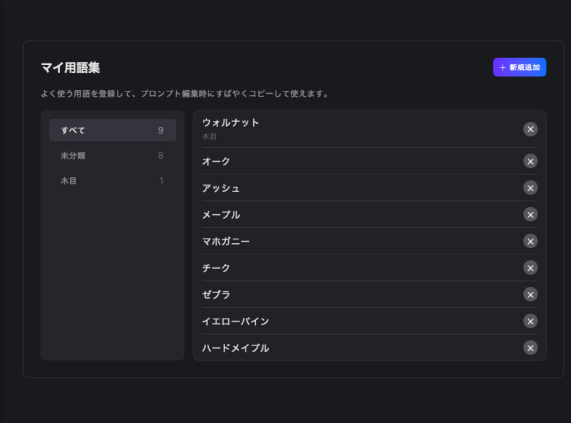
04
My glossary
Stock the technical terms that work but are easy to forget, and pull them up the moment you need them.
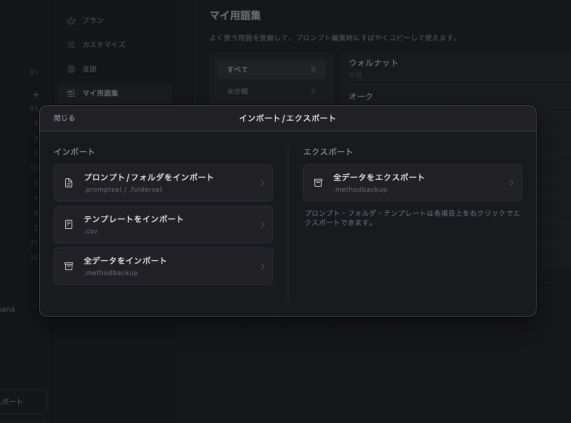
05
Import & export
Share prompts with your team or post them publicly. Export by folder or all at once.
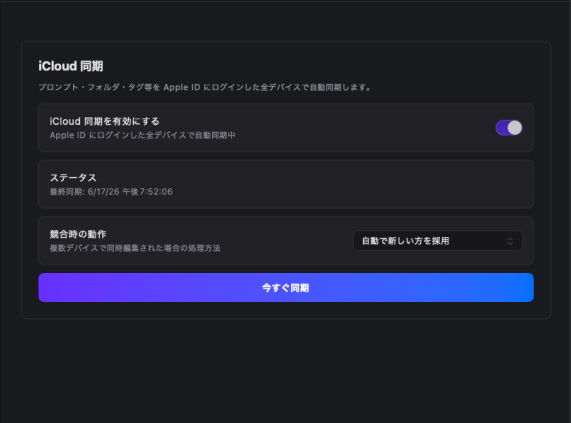
06
iCloud sync
Mac at work, iPhone on the go. Your prompts follow you seamlessly across devices.
Try it for 14 days first.
Free
$0
The core features stay available after the trial ends.
- Every feature, unlimited, for the first 14 days
- Save up to 20 prompts
- Save up to 3 templates
Premium
$39.99 one-time
or $4.99 / month
Everything unlocked, with no limits.
- Unlimited prompts
- Unlimited templates
Turn prompts into
assets.
Includes a 14-day free trial of every feature. Start today.